Product
Managing email signatures for many client tenants
An MSP's guide to email signature management across many Microsoft 365 tenants: onboarding, access your clients control, billing and the jobs to avoid.



What does it cost to switch email signature software? The licence is the smallest part. The real cost of switching is the overlap with your old contract, the time to rebuild your templates, and the risk on the day mail starts flowing through the new product. Each of those can be planned down to almost nothing, and this post shows how.
Most signature contracts renew automatically and ask for notice before the renewal date. Miss that window and you pay for another term of a product you have stopped using.
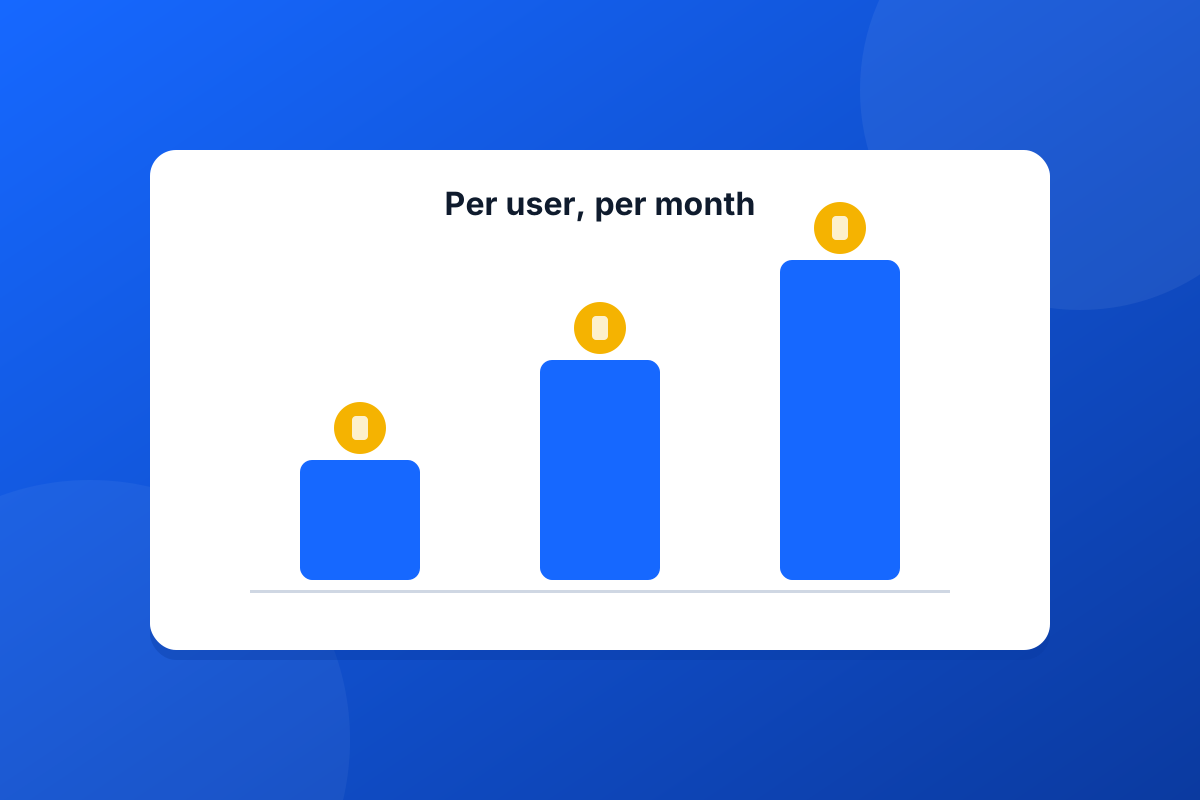
Footer365's free trial runs for 30 days with no card, so evaluating costs nothing. After that, a monthly subscription can be cancelled at any time and ends with the month you cancel in; a 12, 24 or 36-month term costs less per user but commits you for the term. The pricing page sets out both.
This is where switching projects stall. A signature that took weeks of back and forth with marketing does not want to be rebuilt by hand.
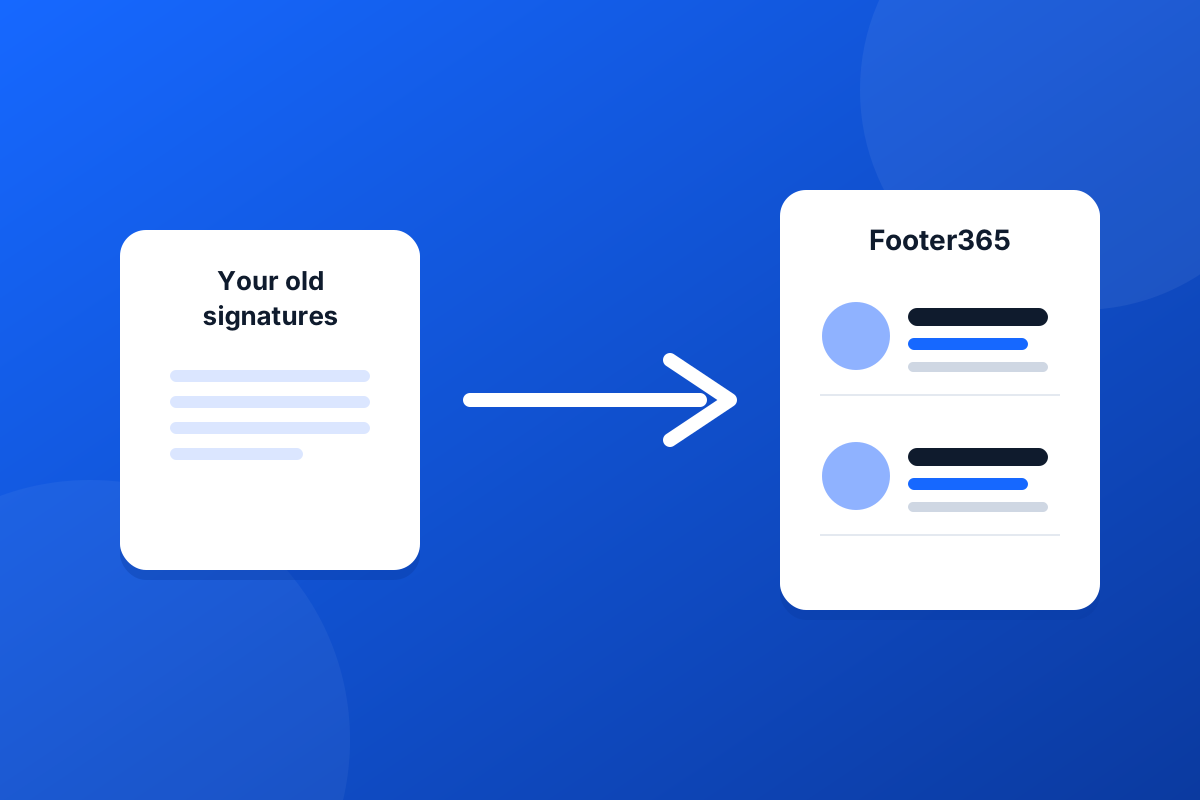
You usually do not need to. Every signature product can produce HTML, and Footer365 imports it: open the signature in your current product's editor, export it as an HTML file or a zip with its images, or copy the HTML from its source view, then bring it in under Signatures, Templates, Import and backup. Footer365 keeps the layout, copies the images into your own storage so they keep working after your old contract ends, and converts merge fields written the way Exclaimer, CodeTwo, Xink and Symprex write them.
One limit to know: Exclaimer's .exsig2 files and CodeTwo's .c2cf, .c2tf and .c2ex files can only be read by the product that wrote them. Take the HTML instead. Our guide to importing a signature from another provider lists what is converted and what to check before you publish.
The risk in a switch is a day when some emails carry two signatures, or none. Both have simple causes.
If the old product is still connected when the new one goes live, both add a signature. Footer365 runs first and hands the message back to Exchange, so an old product's mail flow rule or connector would still add its footer afterwards. When you go live, turn off the old product's rules and connectors in the Exchange admin center, or remove it as its supplier describes.
Footer365 only signs mail from people a rule covers, and everyone else sends exactly as before. That makes a pilot safe: create a rule for a small group, leave everyone else on the old product, and check what real recipients see. Our guide to piloting with a small group first shows the steps. When you are happy, add an All users rule and switch the old product off in the same hour.
For a typical organisation, the plan above comes to about ten minutes to connect Microsoft 365, an afternoon to import and check templates, a week of pilot running in the background, and an hour on cut-over day. Footer365 charges no setup or migration fee, and will help move you across from another provider at no cost.
Set the notice deadline in your diary today, then start the trial a month before it. That is the whole trick to switching without paying twice.
Start a 30-day trial - no card required.
An MSP's guide to email signature management across many Microsoft 365 tenants: onboarding, access your clients control, billing and the jobs to avoid.

Choosing email signature software for Microsoft 365? Ten questions about mail flow, data, outages, phones and leaving that separate the good from the risky.