Product
Managing email signatures for many client tenants
An MSP's guide to email signature management across many Microsoft 365 tenants: onboarding, access your clients control, billing and the jobs to avoid.


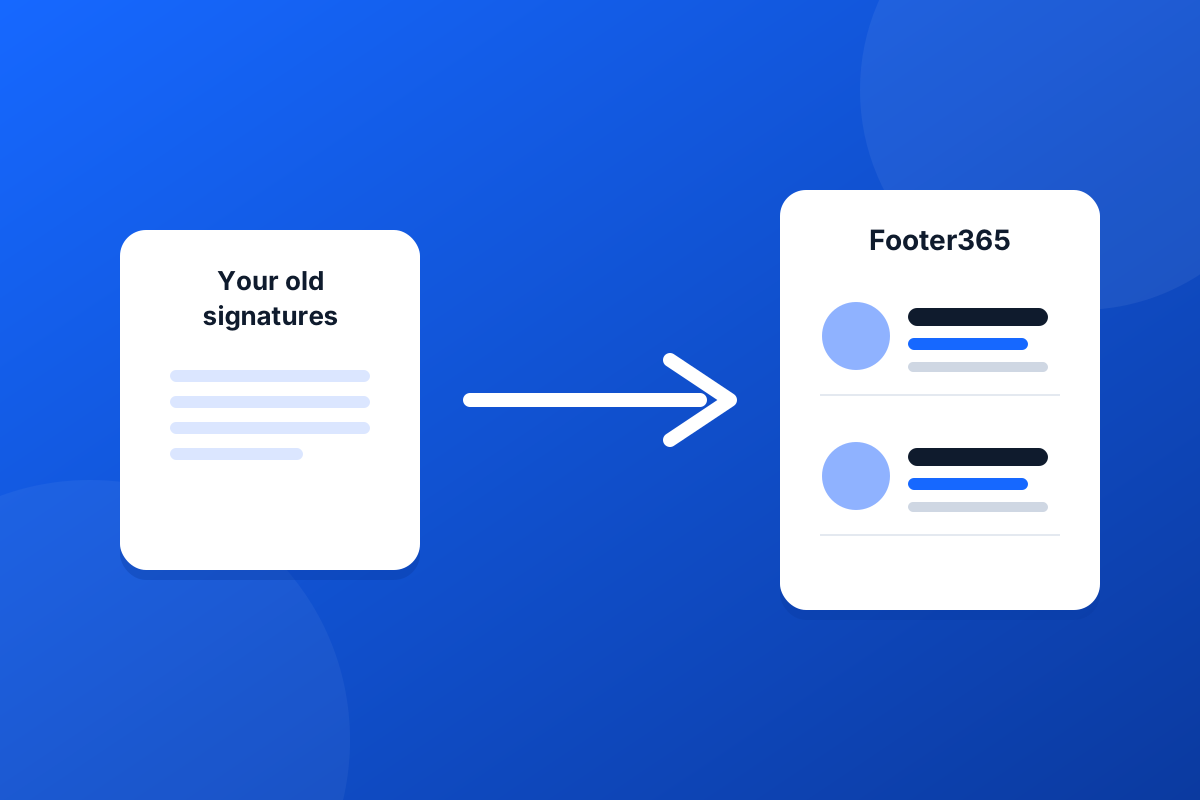
The worst part of changing signature provider is usually rebuilding every signature you already have. Footer365 lets you bring them across instead.
In the portal, open Signatures, then Templates, and choose Import and backup. Under Bring a signature from another supplier you can upload an HTML file, or a zip holding several, or simply paste a signature's HTML and give it a name.
Each supplier writes its placeholders differently: one person's name might be written one way in Exclaimer and another in CodeTwo. Footer365 recognises the fields used by Exclaimer, CodeTwo, Xink and Symprex and translates them into its own, so the imported signature fills in each person's details from Microsoft 365 just as a new one would.
Imported signatures arrive switched off. After the import, the page lists anything worth checking before you use them, such as a field that had no equivalent or an image that could not be reached. Open each one, check it in the preview with real directory details, and switch it on when you are happy.
Some suppliers save signatures in their own file formats that no other product can open. If yours does, open the signature in your old tool, copy its HTML, and paste that instead. The page tells you when this is the case.
The same page can download a backup of all your templates, rules and images as a single zip, and restore one. It is a sensible thing to do before any big change, and it means your work is never only in one place.
The details are in Importing from another provider and Backing up and restoring.
Start a 30-day trial - no card required.
An MSP's guide to email signature management across many Microsoft 365 tenants: onboarding, access your clients control, billing and the jobs to avoid.
Choosing email signature software for Microsoft 365? Ten questions about mail flow, data, outages, phones and leaving that separate the good from the risky.