Marketing
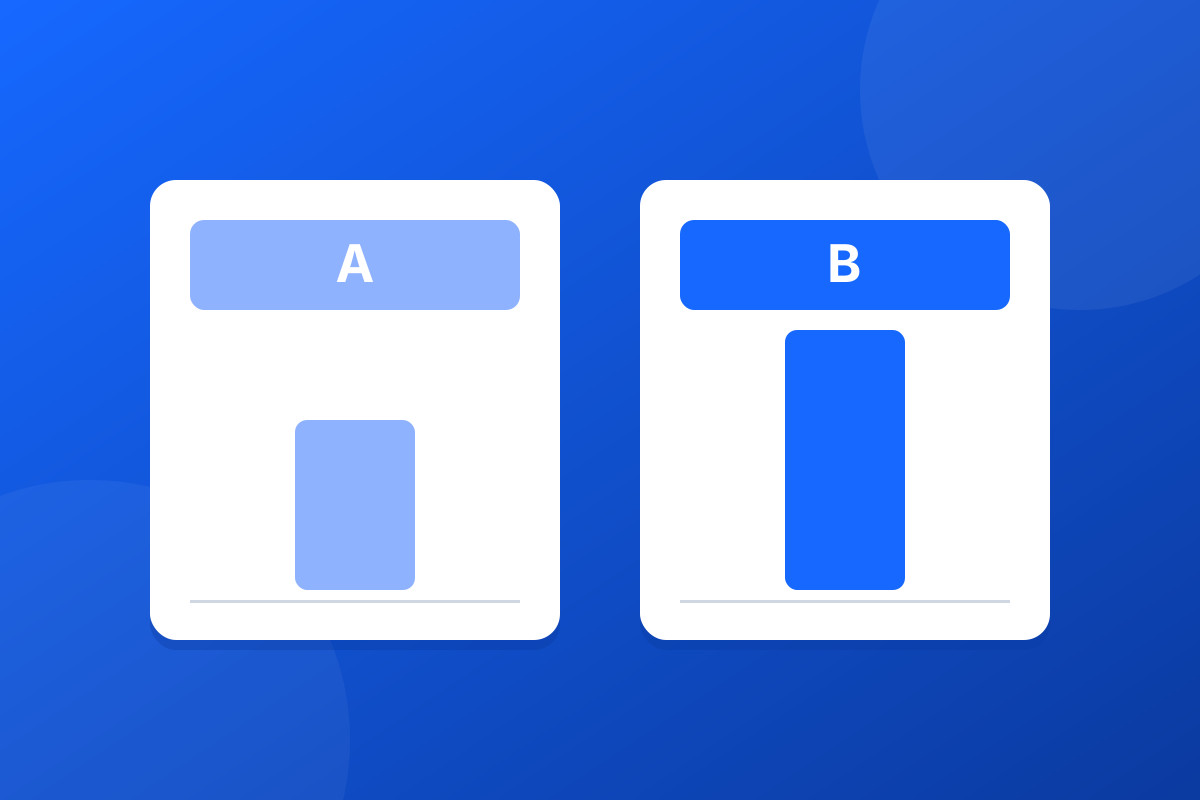
How to A/B test an email signature banner
A/B test an email signature banner properly: one change at a time, the right way to split senders, and when the results are strong enough to act on.



How do you run a seasonal email signature banner without asking everyone to change their Outlook? Add the banner centrally, as mail leaves Microsoft 365, and give it a start and an end date. Nobody installs anything or pastes an image into their settings, and the banner stops on time without a reminder email chasing people to take it down.
The usual way to run a seasonal banner is to email everyone an image and ask them to add it to their signature. Some do it, some do it wrongly, a few never do, and in February somebody is still sending the Christmas opening hours. It is the removal, not the launch, that goes wrong.
Banner campaigns are included with every Footer365 subscription. Under Signatures, Campaigns, start a New Campaign, or pick a starting layout such as Offer, Event or Notice. Our guide to creating a banner campaign covers the editor.
Enter Start (UTC) and End (UTC). Both are in UTC, which is the same as UK time in winter and one hour behind it during British Summer Time, so a banner meant to start at 9am on a summer morning starts at 08:00 UTC. Footer365 checks campaign dates once an hour, so a campaign goes live, or ends, up to an hour after the time you set. Save it as Scheduled and it starts on its own.
Use Target rules to choose which senders carry it. Leave every rule unticked and it goes with every signature; tick your sales team's rule and only their mail carries it. Each email carries at most one banner, so two seasonal campaigns aimed at different teams can run side by side. Our guide to scheduling and targeting a campaign explains which banner wins when two campaigns reach the same person.
Footer365 draws the banner as a single flat image each time you save it, so it looks the same however the email was signed. Fill in Description for readers who cannot see the image with what the banner says. That is what a screen reader reads out, and what a recipient sees while their mail app is blocking images.
On the Campaigns list, Duplicate copies a campaign, so next year's banner starts from this year's design. Change the dates, update the wording, and save it as scheduled.
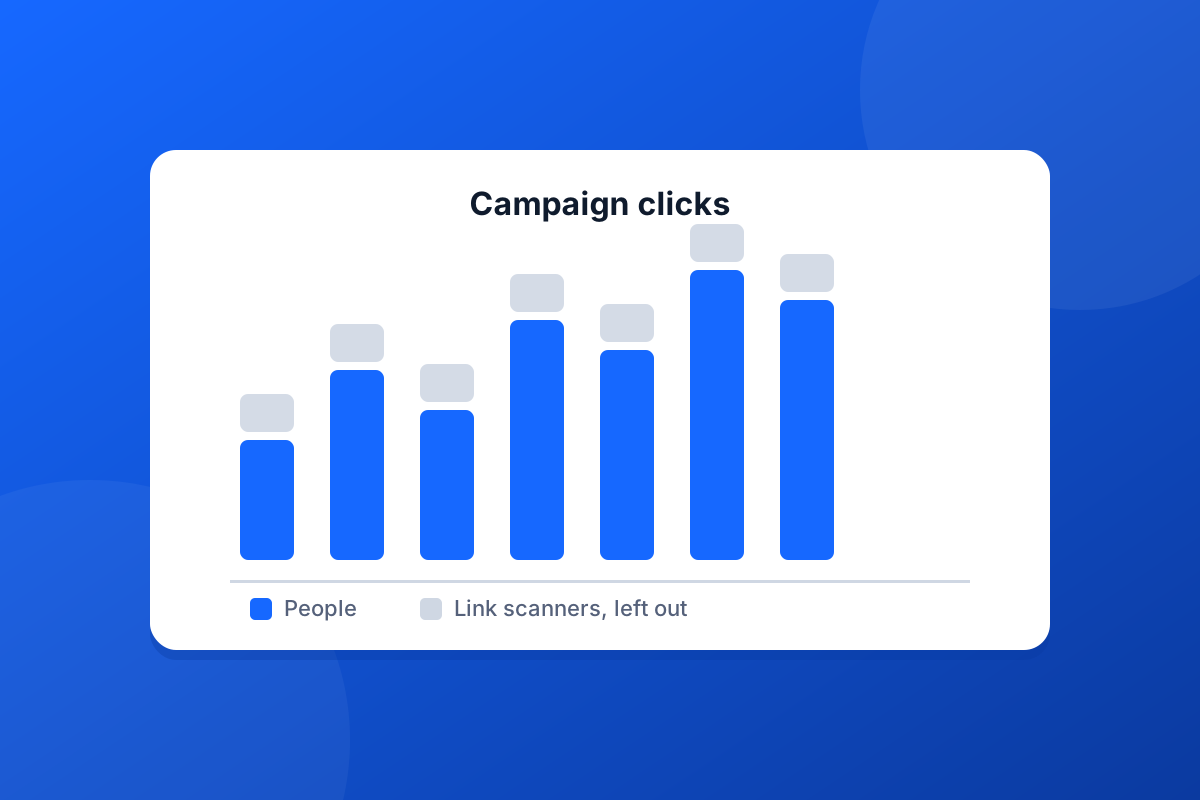
Each campaign has a report of clicks by people, with clicks from link-scanning security systems at the recipient's end left out. If you tag the link for your web analytics, you can follow those visitors on your own site too. The features page covers campaigns and reporting, and the free trial includes every feature.
Start a 30-day trial - no card required.
A/B test an email signature banner properly: one change at a time, the right way to split senders, and when the results are strong enough to act on.
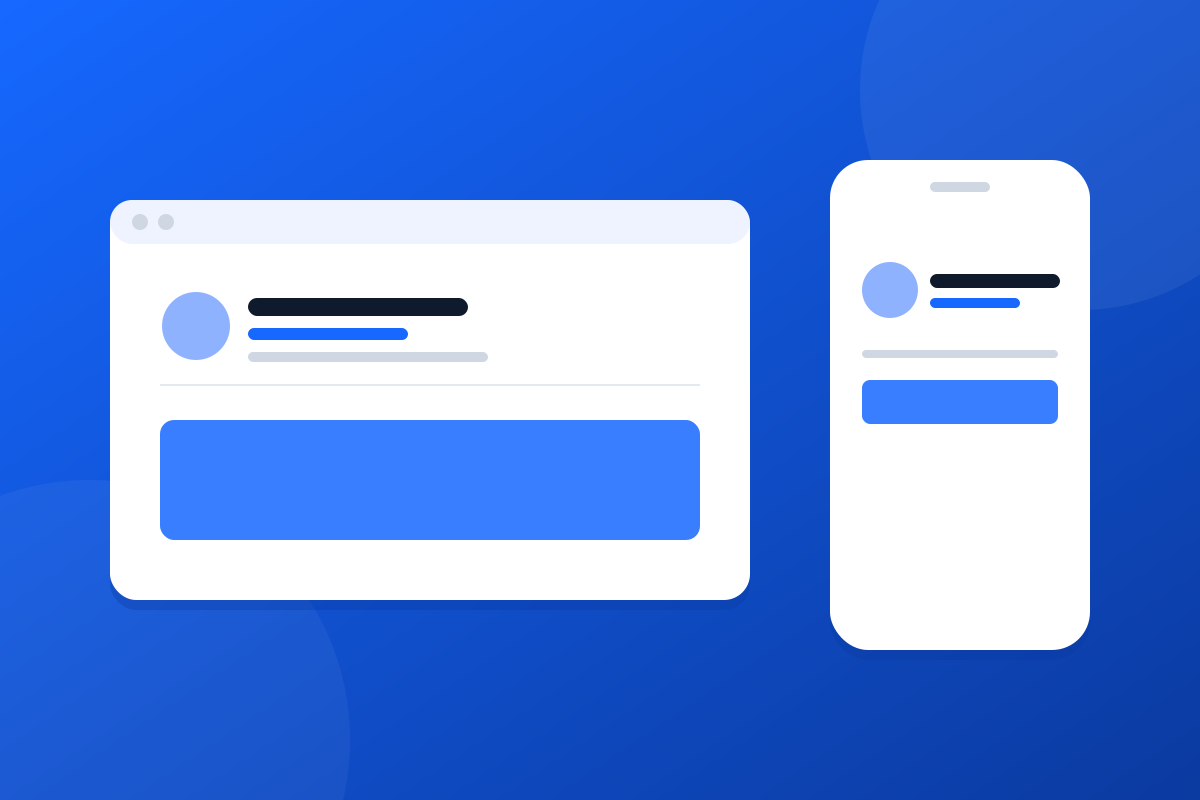
Your emails are read on phones as well as desktops. How to design a mobile friendly email signature that stays readable when the screen shrinks.