
Guides
Email signatures after a merger or tenant migration
Two companies, two brands and often two Microsoft 365 tenants. How to handle email signatures after a merger, from day one to the tenant move.


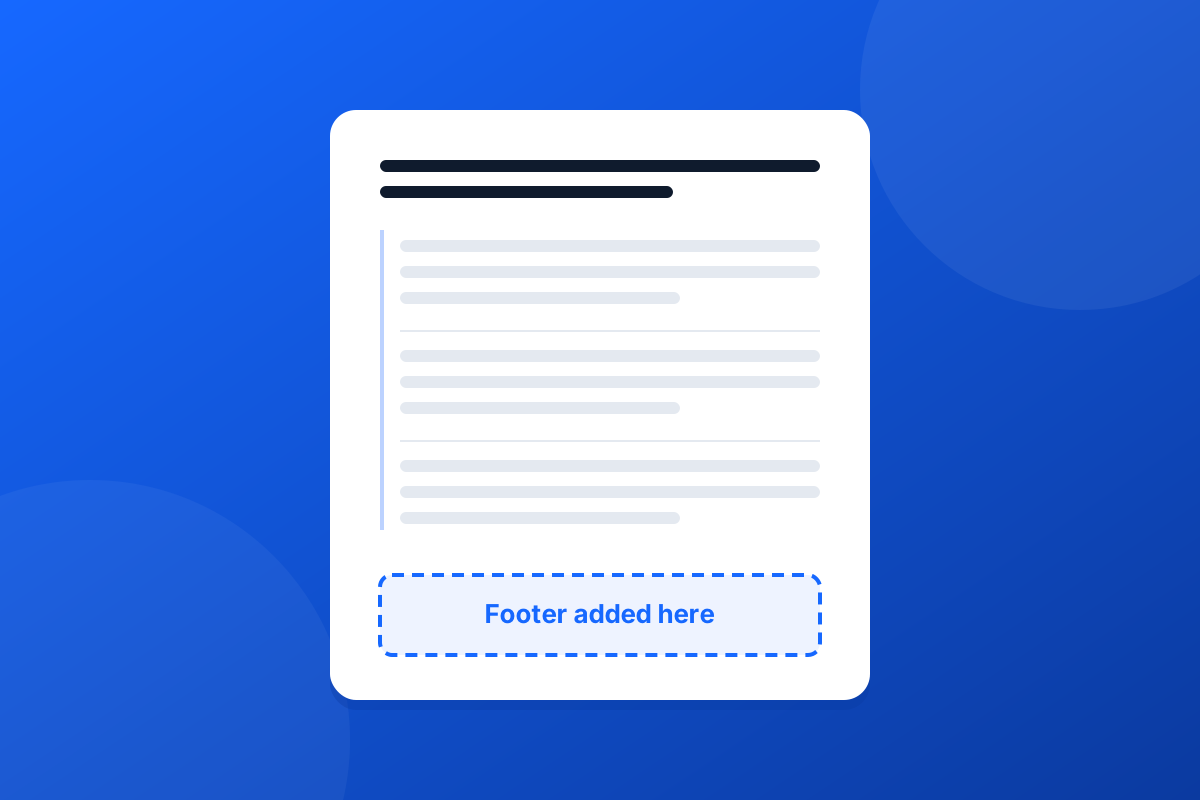
Can you add a signature to every user in Microsoft 365 without buying anything? Yes: an Exchange Online transport rule signature, which Microsoft calls a disclaimer rule, adds the same block of HTML to every message that matches it. It works, and for a small organisation with a plain text footer it may be all you need. The limits only show once it is live, so it is worth knowing them before you start.
Microsoft documents the whole procedure in Organization-wide message disclaimers, signatures, footers, or headers in Exchange Online. In short:
%%DisplayName%%, %%Title%%, %%Phone%% and %%MobilePhone%%, which Exchange fills in from the sender's directory entry.That is a working company-wide footer, and it costs nothing beyond the licences you already have.
A disclaimer rule was designed for legal text, and it shows when you ask it to be a signature.
Append adds the text to the end of the message body. On a new email that is where a signature belongs. On a reply, the end of the body is below every earlier message quoted in it, so your footer ends up under the whole thread instead of under the few lines the person just wrote. The other choice, prepend, puts it at the very top, above the greeting. Neither is where a signature normally goes on a reply.
The tokens fill in each person's details, but the layout is one block of HTML. There is no way to say "leave this line out when it is empty", so when someone has no mobile number, the "Mobile:" label you wrote beside %%MobilePhone%% goes out with nothing after it. Different designs for different teams, brands or offices mean a separate rule each, and each rule is HTML typed into a box with no preview.
The rule runs in Exchange Online transport, after the message has left the mailbox. The sender does not see it in the compose window, and the copy in their Sent Items does not have it, because that copy was saved before the rule ran.
Microsoft's own example adds a logo with an <img> tag pointing at a web address. That works, but the image is downloaded when the message is opened, so many recipients see an empty box until they allow pictures. There is no token for each person's photo.
The exception that stops a reply from getting a second footer looks for text from the footer. Change the wording later and forget to change the exception, and threads start collecting copies.
Use the mail flow rule when:
Many organisations run exactly that for years, and there is nothing wrong with it.
Footer365 also works in Exchange Online transport, so like the native rule it signs mail from every device and every mail app, with nothing installed on anyone's computer. The difference is what happens to the message on the way through. Footer365's own transport rules route each outbound message through its relay, which writes the signature in and hands the message straight back to your tenant. Our article on how mail flows through Footer365 shows the path step by step.
| Mail flow rule | Footer365 | |
|---|---|---|
| Position on a reply | Bottom of the whole message, or the very top | Above the quoted earlier message |
| Missing details | The value is left out, the label stays | The line is removed with its label |
| Different designs | One rule per design, typed as HTML | Templates built in an editor, assigned by group, department, job title or domain |
| Images | Linked from a web address you host | Embedded in the message or hosted, chosen per image |
| Seeing it while writing | No | Optional, with the Outlook add-in |
Footer365 also decides whether a message is a new email, a reply or a forward, so a rule can give replies a short signature. If an older disclaimer rule is still switched on when you move across, it will keep adding its own footer below the new signature, so turn it off once the new one is live.
If the native rule does what you need, keep it: test it with a plain-text and an HTML message as Microsoft suggests, and forward a test to yourself to check the exception. If you have outgrown it, the Footer365 features page covers templates, rules and campaigns, and the 30-day trial needs no card.
Start a 30-day trial - no card required.
Two companies, two brands and often two Microsoft 365 tenants. How to handle email signatures after a merger, from day one to the tenant move.
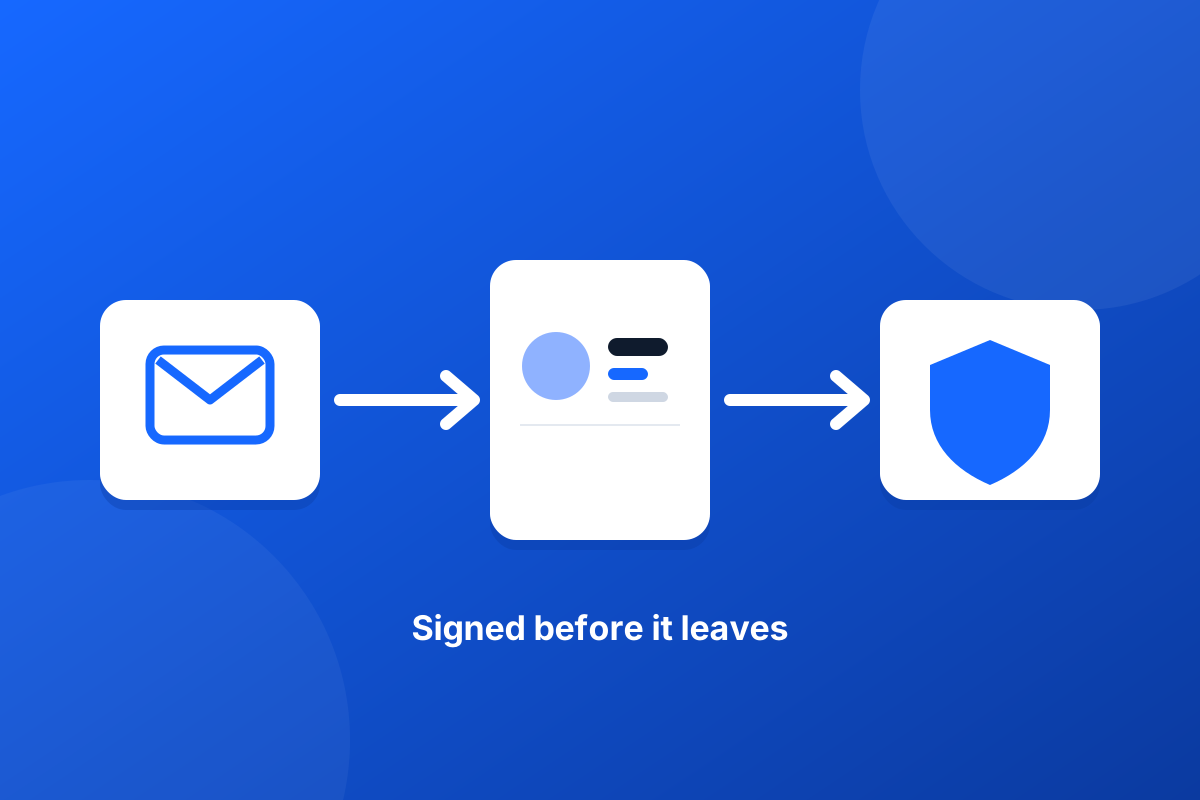
Running Mimecast, Proofpoint or another email gateway? How a server-side email signature fits in the mail flow, what to check, and what never to change.